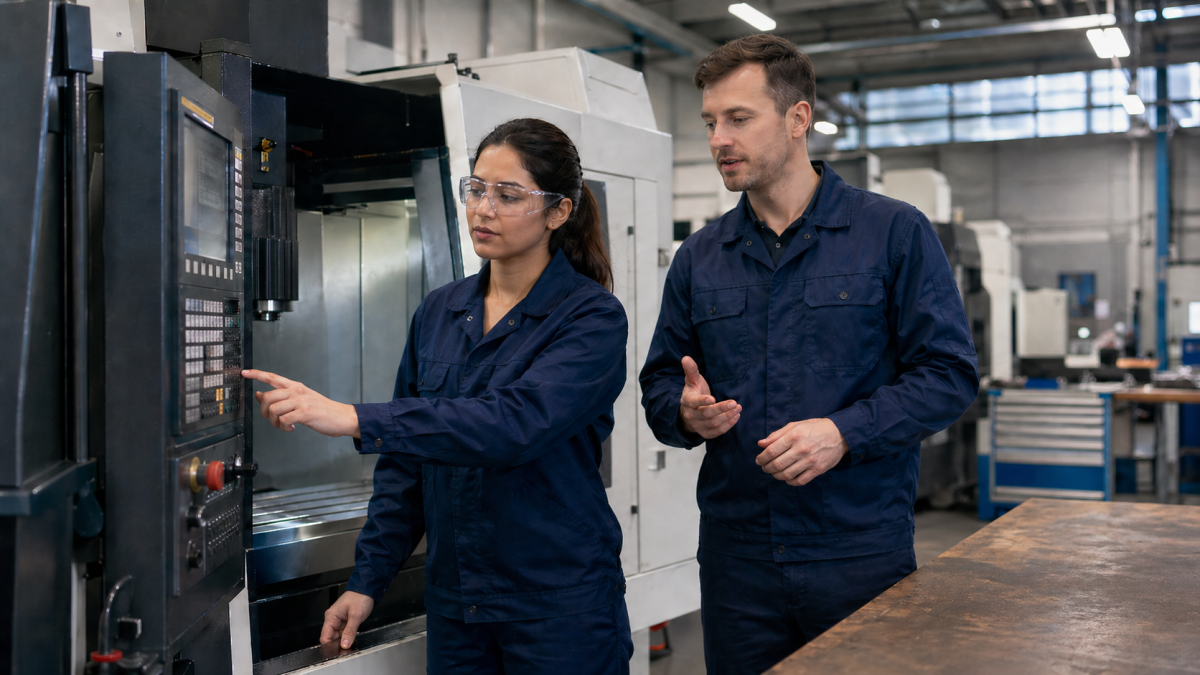
An operator who only presses start depends too much on other people’s decisions
In many shops, a CNC machine operator begins with a simple rule: do not touch the program, run it according to the instruction, and call the setup specialist when there is a problem. For the first shifts, this is reasonable. A new person should not be thrown immediately into code, offsets, and questionable situations beside the machine. But if this order remains forever, the company gets not stability, but dependence. Every deviation turns into waiting for someone more experienced.
The problem usually does not appear on the perfect first part. It appears later: the tool starts wearing, the size slowly drifts, the program stops somewhere unexpected, the operator sees the block on the control but does not understand what will happen now. At that moment, “I only run it” stops being a safe position.
Training an operator to read a program does not mean turning them into a programmer. That is a different level of task. The goal is simpler and more practical: the person should understand movement logic, see dangerous places, explain what is happening, and avoid calling a setup specialist for every line that can be read calmly.
First separate reading a program from writing a program
Employers often mix two skills. “Knows G-code” can mean that the person writes NC programs from scratch. It can also mean that the person understands basic commands, sees tool changes, distinguishes feed moves from rapid moves, and understands why an offset changes the result. For an operator, the second level is usually the one needed.
If training is presented immediately as “programming”, some operators start defending themselves. It looks like too large a step: CAM, postprocessors, cycles, geometry, responsibility for a collision. It is better to name the task more honestly: reading the working program at the machine. Not creating the process from zero, but understanding what has already been handed to production.
This separation reduces pressure. The operator is not told: now you are responsible for every decision made by the programmer. The message is different: you should understand what you are starting, where to stop, what to check, and how to describe the problem without saying “the machine is doing something wrong”.
Teach from the control screen, not from an abstract command table
A G-code table is useful, but it is a poor first textbook. If training begins with a long list of G00, G01, G02, G03, G41, G42, G43, M-codes, and cycles, it quickly turns into memorizing symbols. On the shop floor, the operator does not need to pass theory. They need to connect a program line with machine movement, the tool, the part, and risk.
It is better to take a short fragment of a real or training program and read it at the machine or in a simulator. Where is the rapid approach? Where does cutting begin? Where is the tool change? Why is an offset active here? What happens if the cycle is continued from this line? Which coordinates are in a safe zone, and which are already close to the part?
One short fragment read fully is usually more useful than an hour of general explanation. Especially when the operator sees the connection between the block, the path, cutting sound, and control dimension. At that point, the program stops being “text for the setup specialist” and becomes part of ordinary work.
Level one: understand program flow without independent editing rights
At the first stage, the operator does not need permission to edit code. In fact, a ban on independent changes can be useful if it does not prevent learning. The person should read and explain, but not change the program without approval. That removes some fear for the supervisor and reduces the risk of an accidental edit.
At this level, it is enough for the operator to answer simple but working questions confidently:
- which tool is active now and what it is doing;
- where the rapid moves are and where feed cutting begins;
- which offset affects the size and where it is activated;
- why the program stops or calls a tool change;
- which line is dangerous to restart from without checking machine position.
If the operator can explain this from their own program, they are no longer only pressing start. They begin to see the process. This does not make them an independent programmer, but it reduces empty calls to the setup specialist and helps catch strange behavior earlier.
Level two: connect the program with measurement and offset correction
Program reading becomes truly useful when the operator connects it with a dimension on the part. For example, a size has moved toward the upper tolerance limit. What affects it: tool wear, radius offset, tool length, clamping, temperature, operation sequence? The program does not give the whole answer, but it shows where to look.
Here training should stay close to measurement. The operator looks not only at the command, but also at the inspection point: which pass created this dimension, which tool was involved, where correction is allowed, and what cannot be changed without approval. It is also important to understand boundaries: one adjustment may be allowed by instruction, another must be agreed with a setup specialist or process engineer.
A good practical sign is when the operator can say not just “the size moved”, but “the size after this tool is gradually growing, the offset has already been changed by this amount, and the next correction should be agreed”. That is a different conversation at the machine. The supervisor receives working information, not an alarm without details.
Level three: safe restart and stopping
Many problems happen not during a normal start, but after a stop. Inspection was triggered, the blanks ran out, a tool broke, the operator pressed stop, and now the job has to continue. A person who does not read the program either calls for help every time or risks starting from a place that seems convenient but is not safe.
Training in program reading must include restart. Where is the tool? Which coordinate system is active? Is the offset active? Has the necessary M-code already run? Is there a safe approach before cutting? What happens if the start is moved one line lower or higher? These questions are boring only on paper. At the machine, they separate a normal restart from a broken tool.
At this stage, it is useful to practice ordinary stops, not heroic emergency cases. There is no need to model a rare failure first. It is enough to review two or three typical cases that already happen in the shop: a pause after measurement, an insert change, a repeat after feed stop, or returning to an operation after checking the part.
Not every operator should receive the same rights
Training people to read programs does not mean giving everyone the same authorization. One operator may read blocks but change nothing. Another may make limited offset corrections by instruction. A third, after verification, may receive the right to make simple edits within an agreed process. If these levels are not separated, training quickly becomes either dangerous or useless.
It is better to describe authorization steps in advance. For example: reads and explains the program; performs allowed corrections; makes a safe restart; proposes an edit but does not enter it; edits only approved template sections. The ladder can be short, but it must exist. Otherwise the supervisor decides by feeling, and the operator guesses what is already allowed.
The worst setup is to teach a person to understand code while formally leaving them in the role of “just press start”. They will start seeing errors and awkward points, but will not know how to pass them forward correctly. Training must include not only commands, but also the route for decisions: whom to tell, what to record, where to stop work, and when to wait for approval.
A simulator helps if it does not replace the real process
An online simulator or training environment is useful where it is not safe to experiment on the machine. In a simulator, it is possible to show the path, rapid moves, a bad restart, the effect of some commands, and the order of reading blocks. For a first introduction this is better than explaining everything on a running machine, with the part, clamp, and shift plan nearby.
But the simulator should not create the illusion that the operator has already understood everything. Real work adds cutting sound, tool condition, chips, clamping, coolant, measurement, and time pressure. A good learning route therefore looks like this: review a fragment in a safe environment, connect it with a real operation, then check understanding at the machine under the control of an experienced employee.
NCPlayer can be useful specifically as an intermediate layer: the operator sees how program text turns into movement before discussing it at real equipment. The final check, however, still has to happen through production logic, not only through a clean path on the screen.
How to know the training worked
It is better to check the result through a few working actions, not a large exam. Give the operator a familiar program and ask them to explain what will happen in the next lines. Ask them to find the tool change, the section with cutting feed, and the line after which restarting without checking is unsafe. Take a dimension that drifted and ask them to connect it with the tool and allowed correction.
Another good criterion is the quality of problem reporting. Before training, the operator says: “the program stopped” or “the part is not going”. After proper training, they should be more precise: where it stopped, which tool is active, what happened before the stop, which dimension changed, what has already been checked. This is not a small detail. That information decides whether the setup specialist arrives to solve the task or first has to discover what happened at all.
If after training the operator asks fewer empty questions but raises truly dangerous situations faster, the training is moving in the right direction. The goal is not that the operator stays silent and handles everything alone. The goal is that their questions become more precise and their actions at the machine become calmer and safer.
Program reading is part of professional independence
An operator does not have to become a programmer to become stronger at the job. But they should understand the text they start, at least at the level of risk, sequence, and connection with the dimension. Otherwise production remains dependent on a few people who “understand code”, while everyone else works blind.
Training program reading is best built in small steps: control screen, movement, tool, dimension, offset, stop, restart, authorization boundaries. Then the skill does not look academic. It becomes part of a normal shift: less waiting, fewer random actions, and more clarity at the moment when the machine is already running and a mistake costs money.