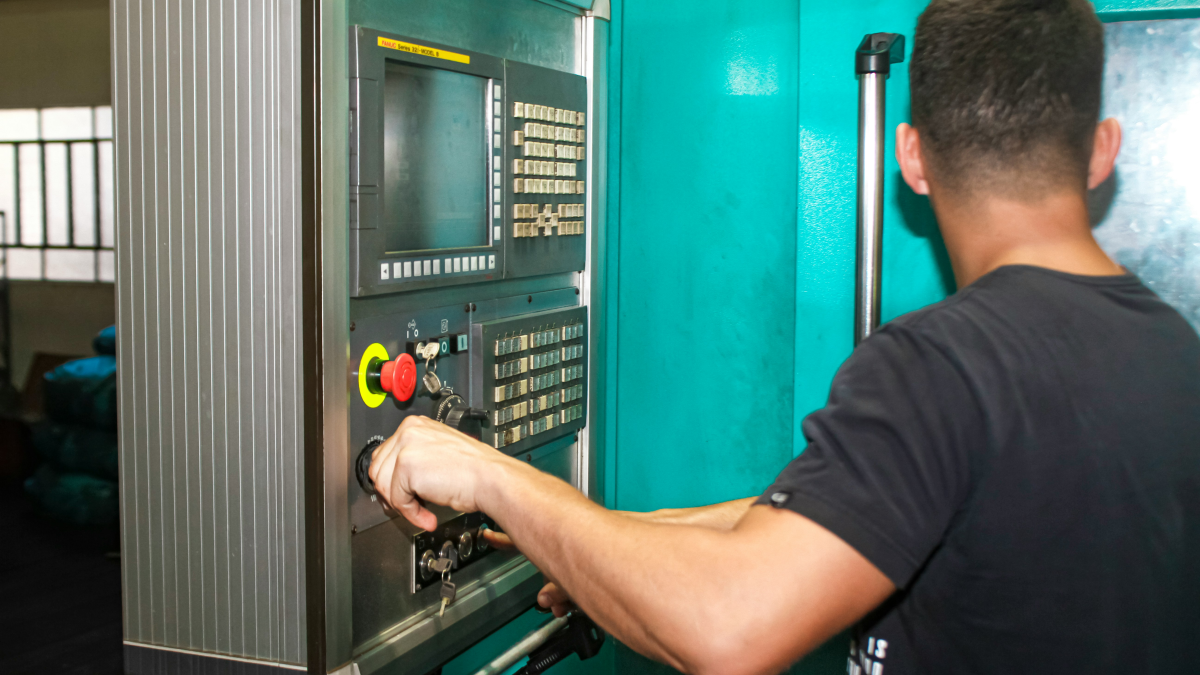
New open course: G-code Basics for Beginners
CNC Passport has launched a beginner-friendly G-code course focused on reading, understanding and safely checking simple CNC programs. The course is currently available in EN, RU and UK.
Practical CNC career, training, verification and platform articles from CNC Passport.
CNC Passport has launched a beginner-friendly G-code course focused on reading, understanding and safely checking simple CNC programs. The course is currently available in EN, RU and UK.
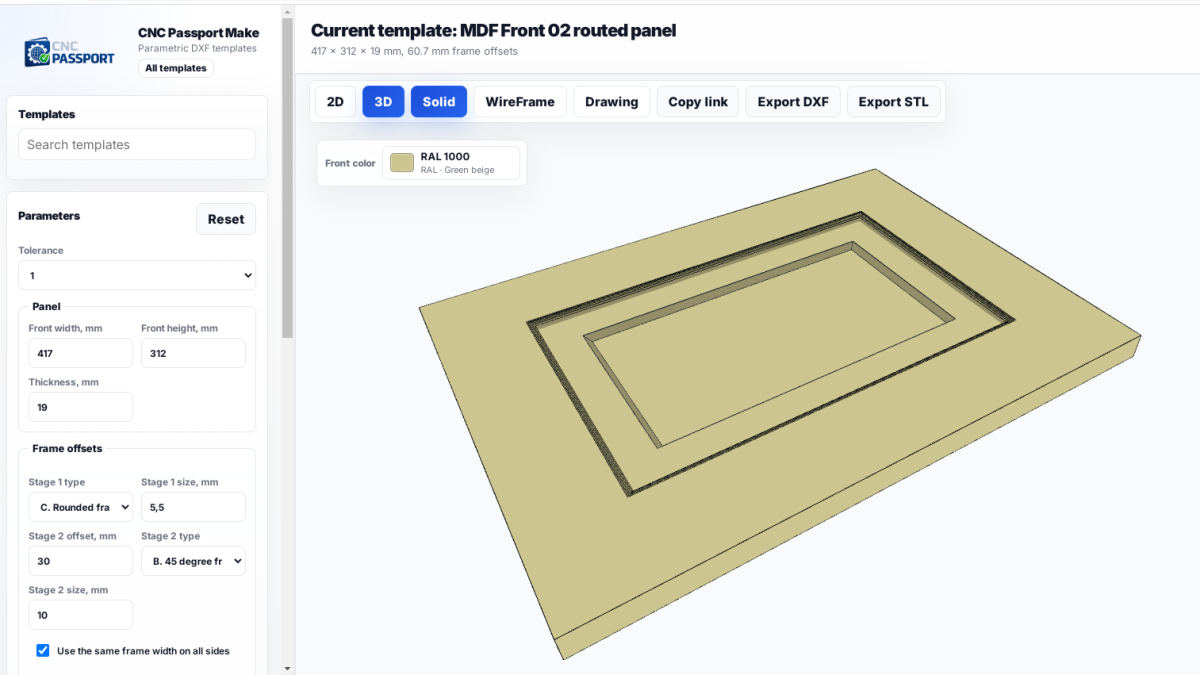
How ready-made MDF front templates speed up design work, reduce mistakes and keep teams from losing time on the same approvals over and over.
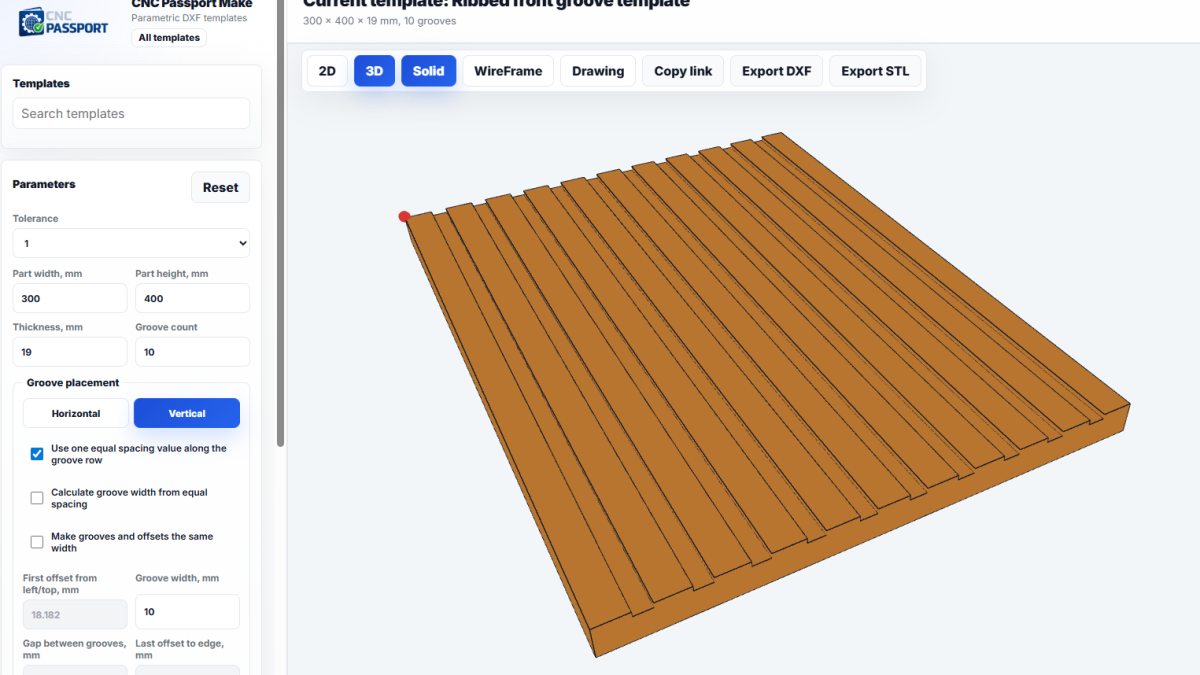
How CNC Passport Make helps teams prepare DXF files for repeatable production parts faster, reduce manual errors, and keep control over geometry parameters.
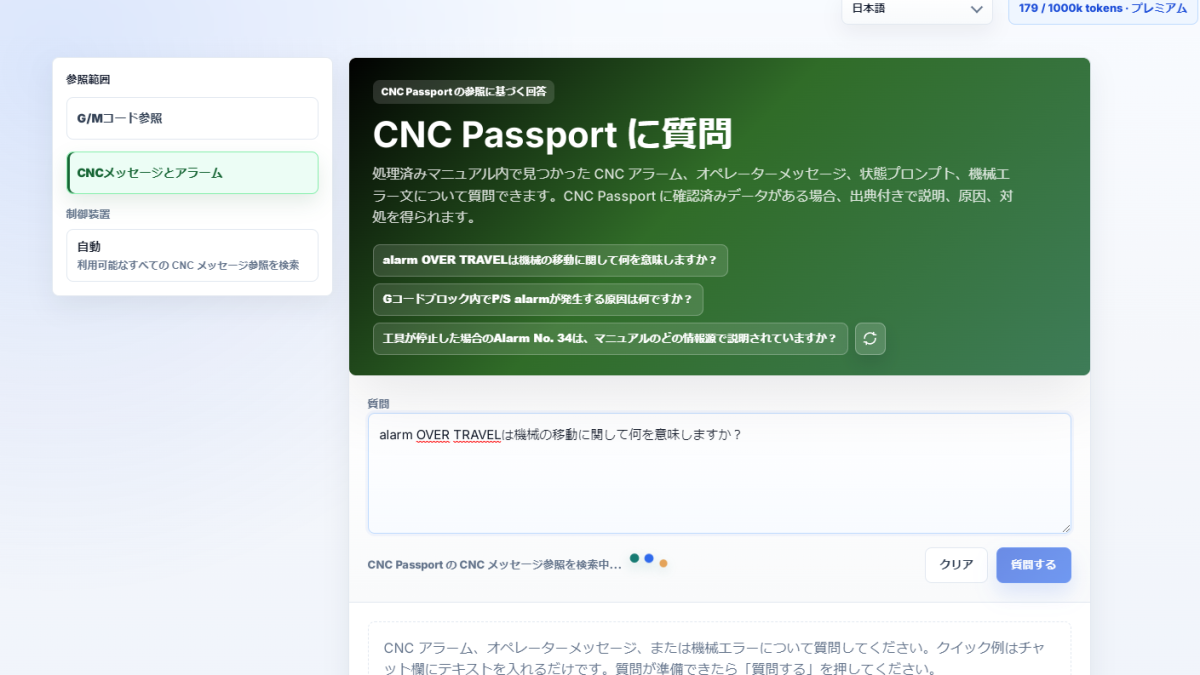
ASK now has a mode for CNC messages, alarms, and machine warnings: it helps separate a status message from an error and choose the next practical check.
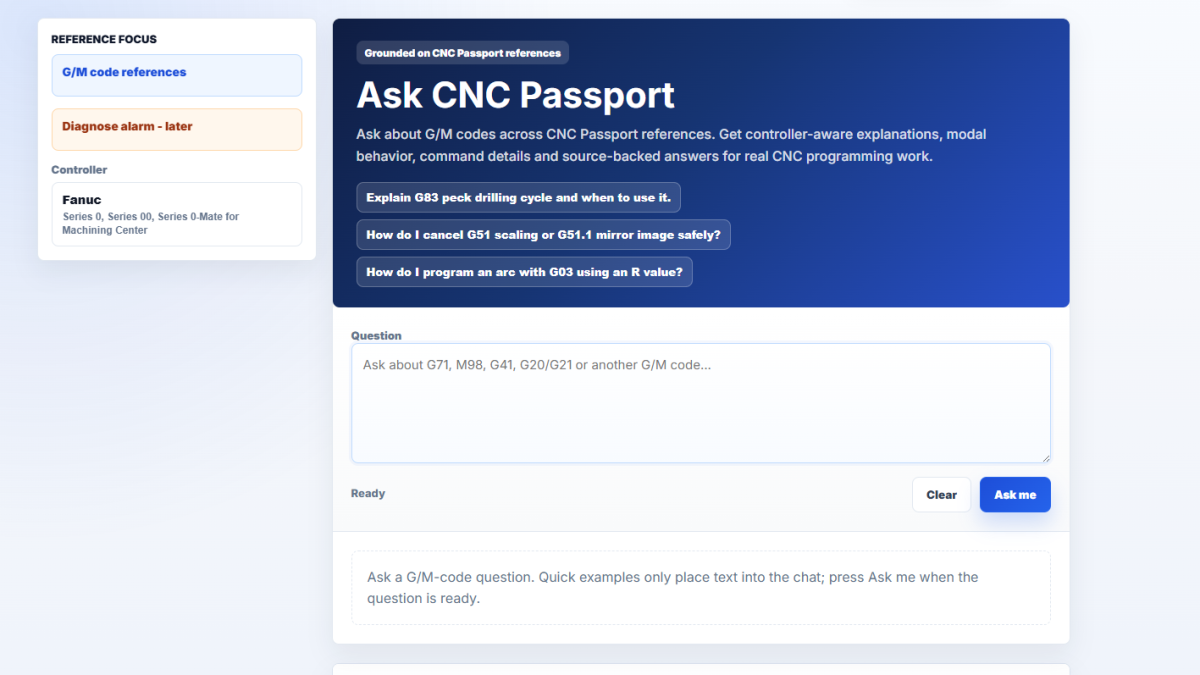
Ask CNC Passport lets users ask G/M-code questions and receive AI answers that are tied to post-processed CNC Passport references rather than unsupported general chat.
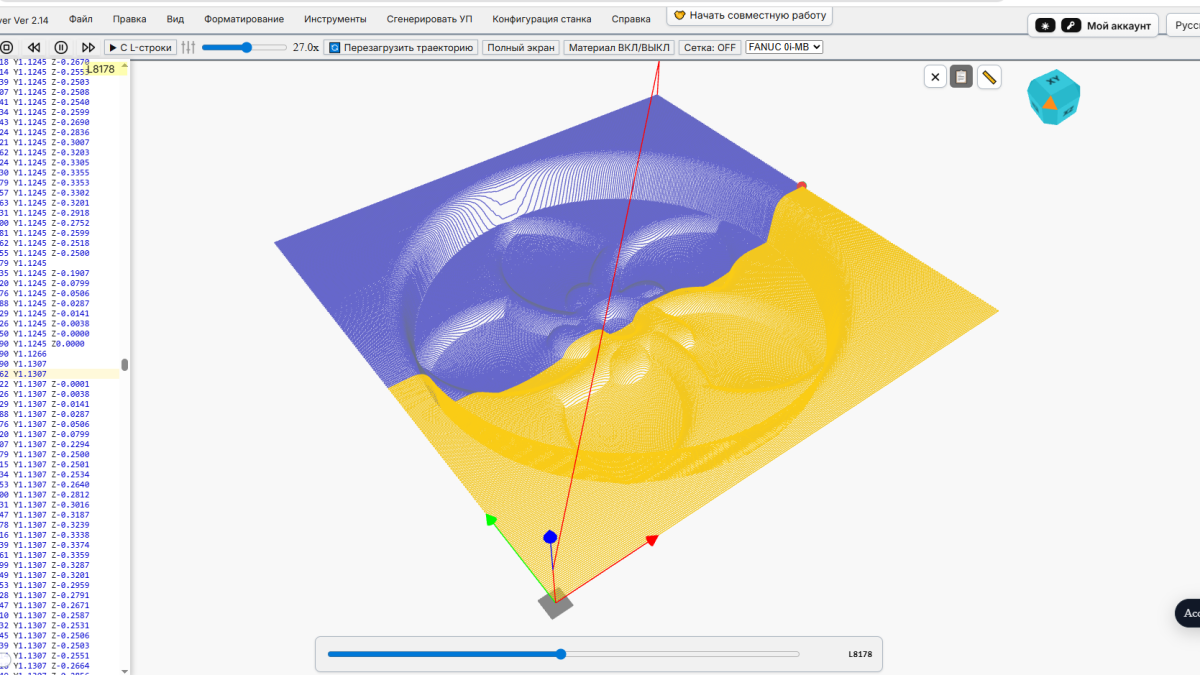
Timeline Mode in NCPlayer helps users inspect a CNC program as a time-based sequence of movements, making rapid moves, cutting moves and risky transitions easier to understand.
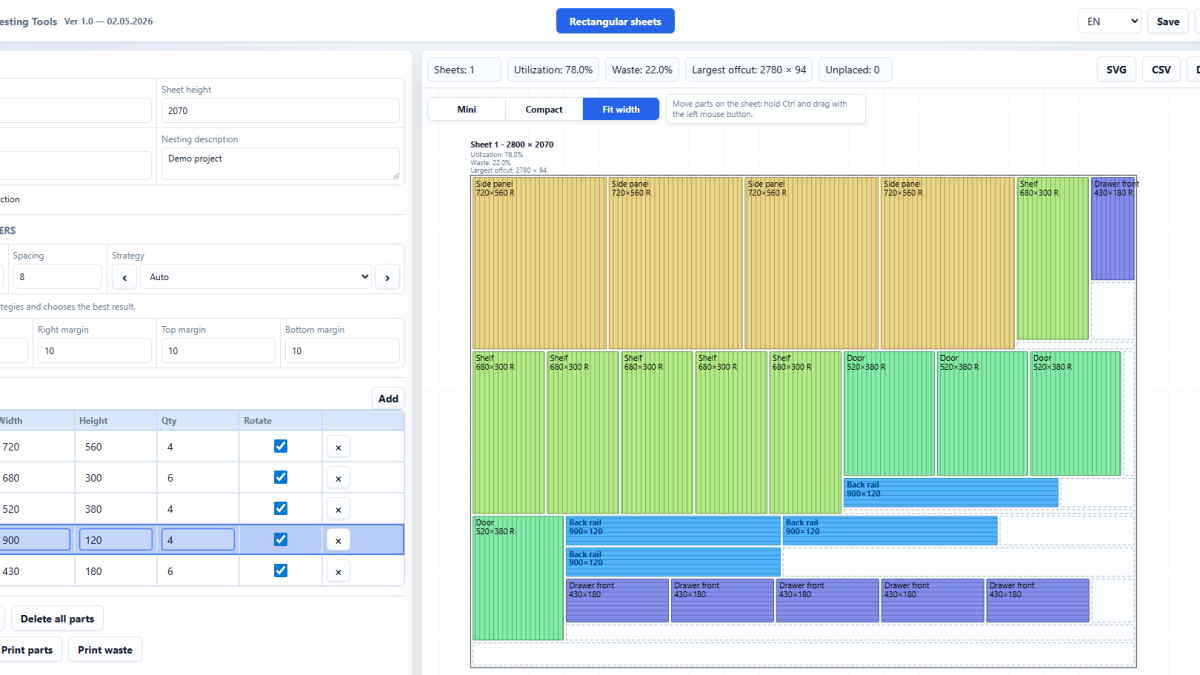
CNC Passport is launching Nesting Tools, a browser-based service for preparing sheet cutting layouts, setting nesting parameters and exporting DXF/SVG.

A practical approach to teaching CNC operators to read programs, moving from simple cycle start to understanding G-code logic, offsets, and machine-side risk.

Why CNC operator and specialist training should start with skill measurement, and how this reduces wasted hours, support mistakes, and weak training results.

How CNC operator and CNC programmer skills differ in hiring, which checks should be separated, and why one job description should not blur two different roles.