Production-focused profiles
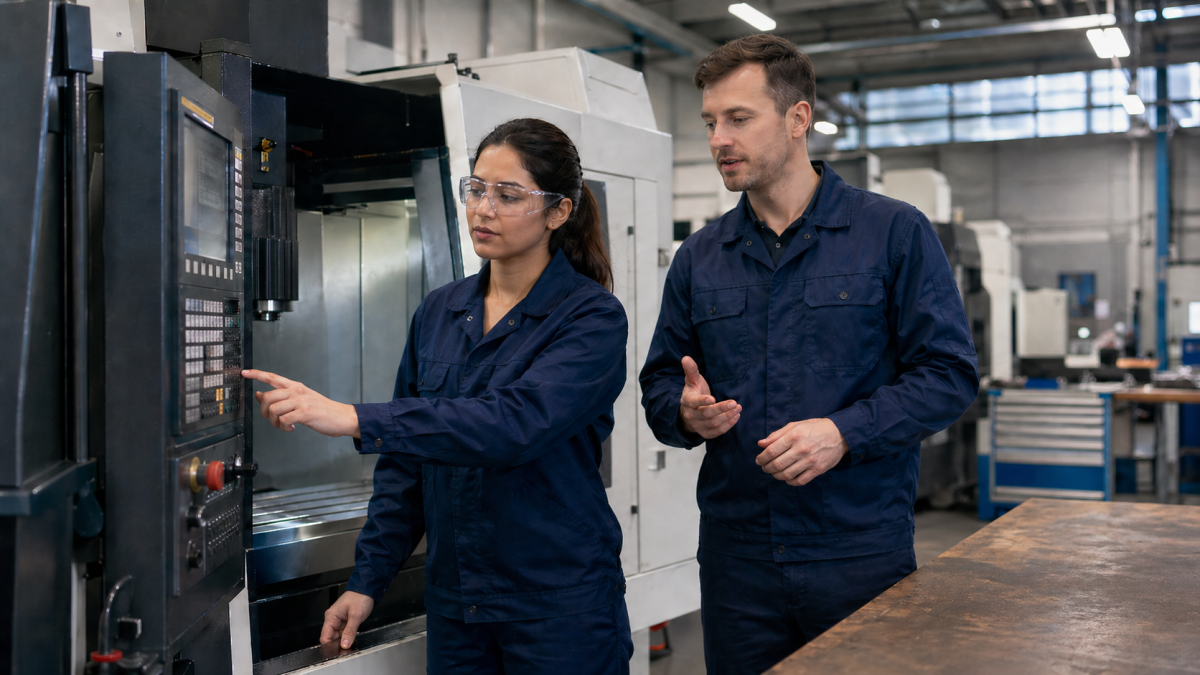
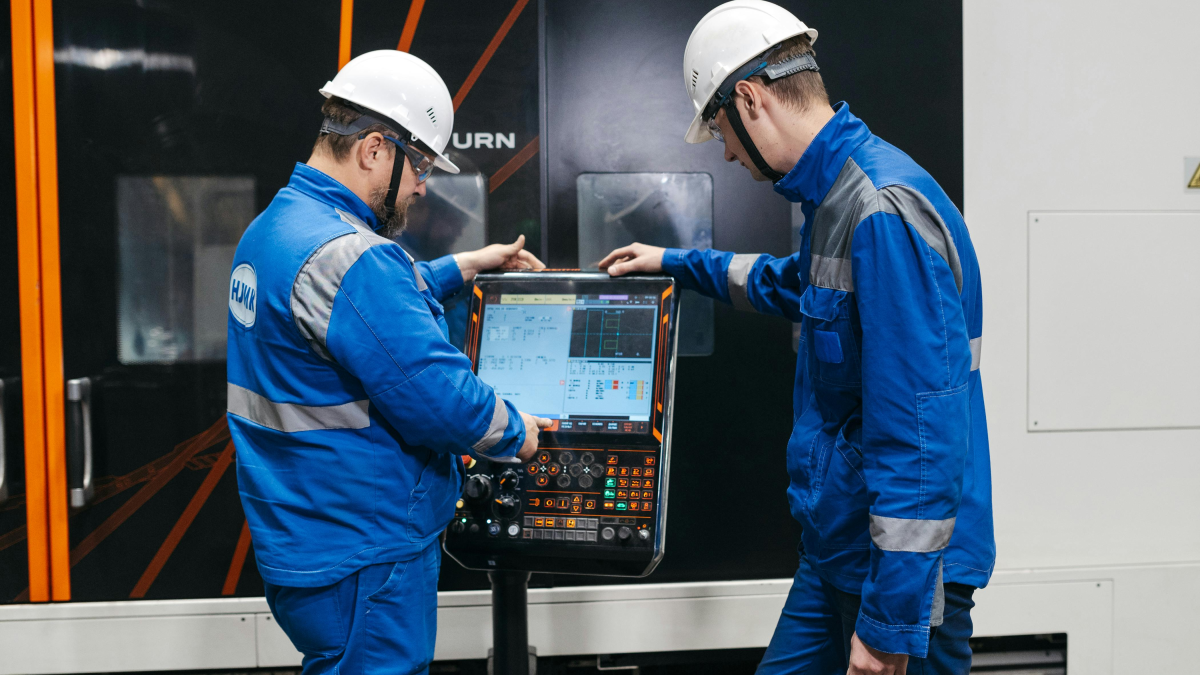
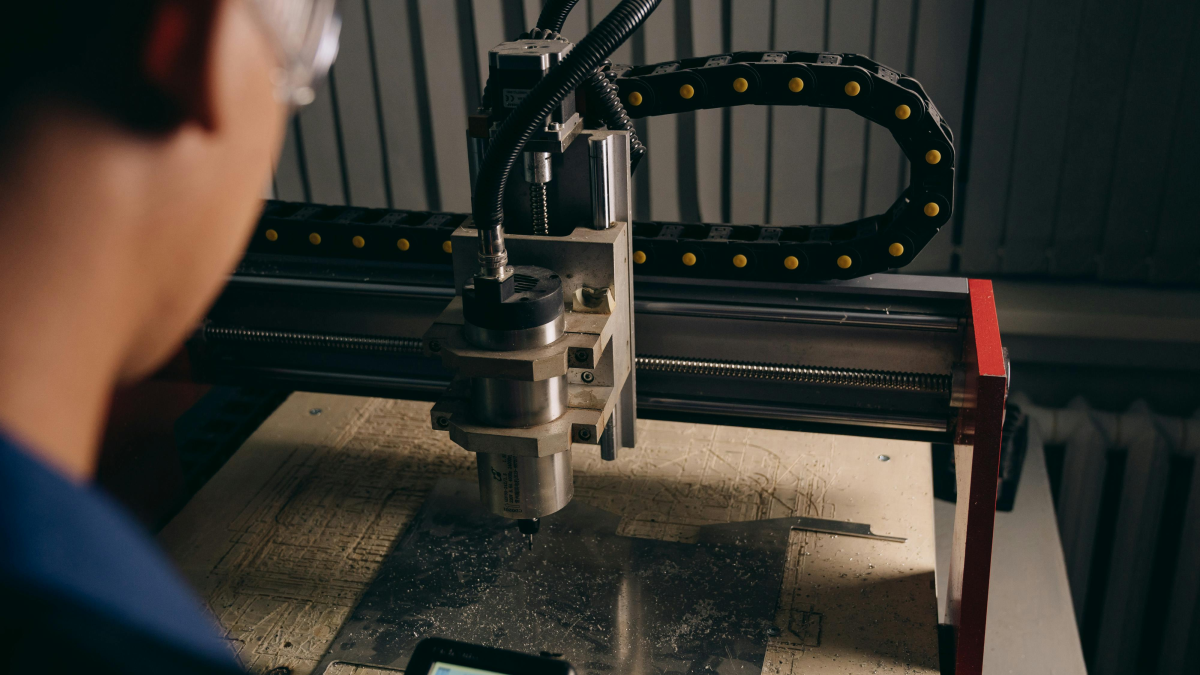
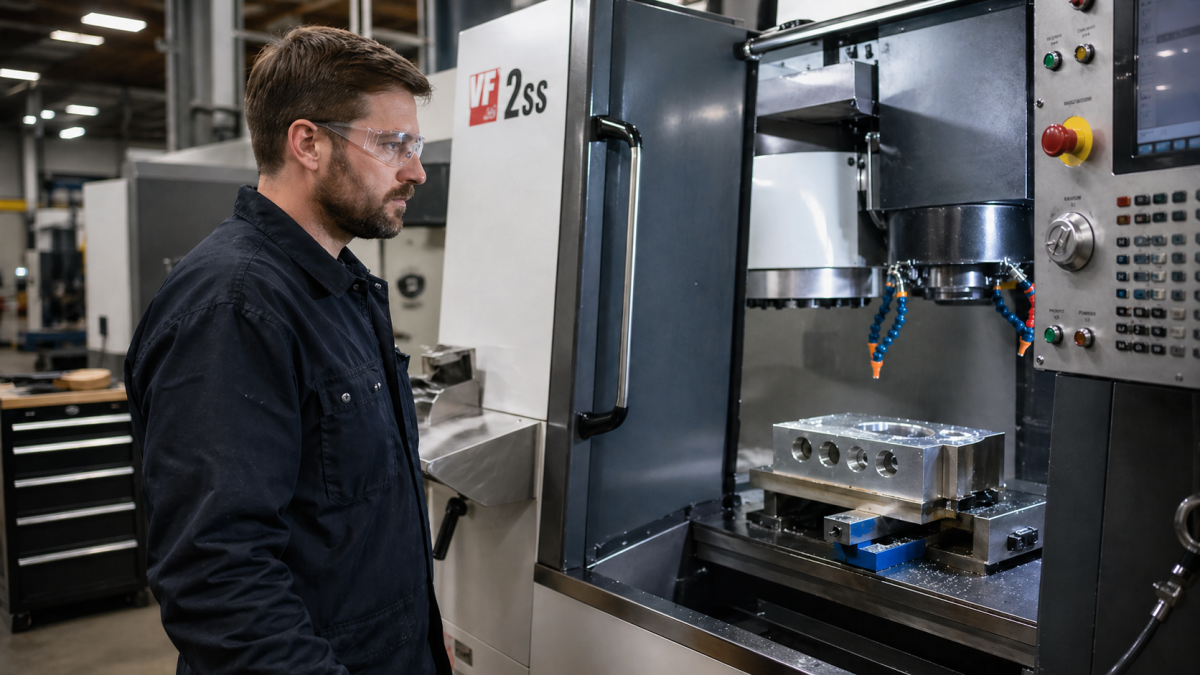
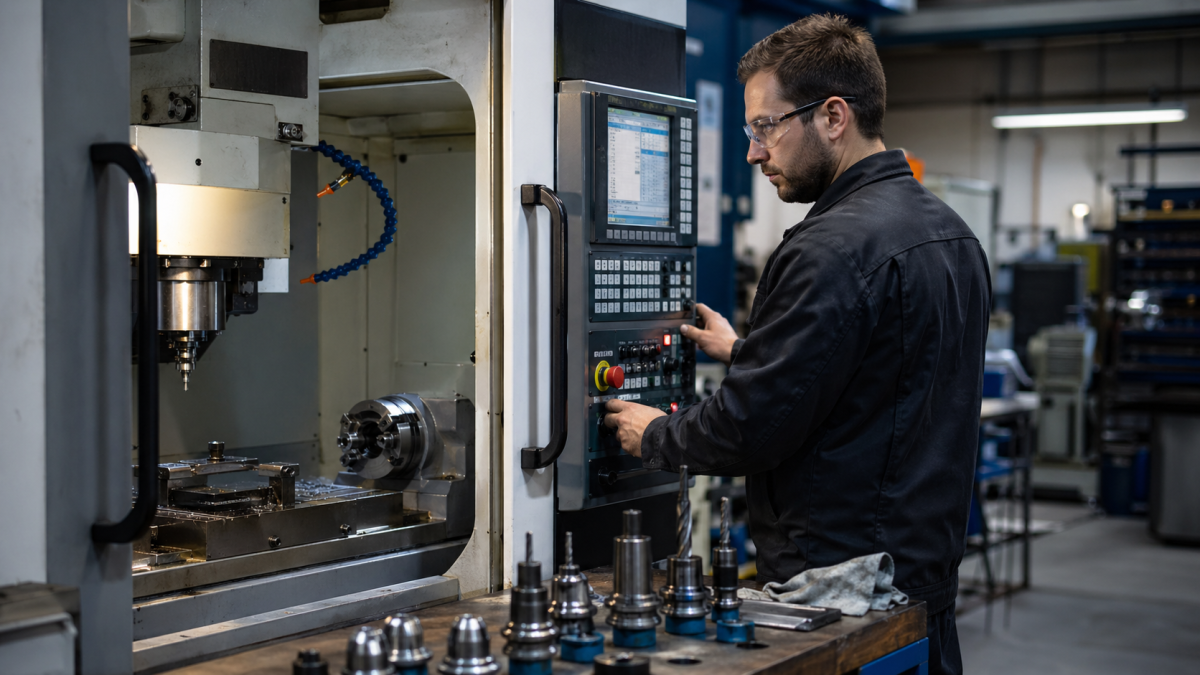
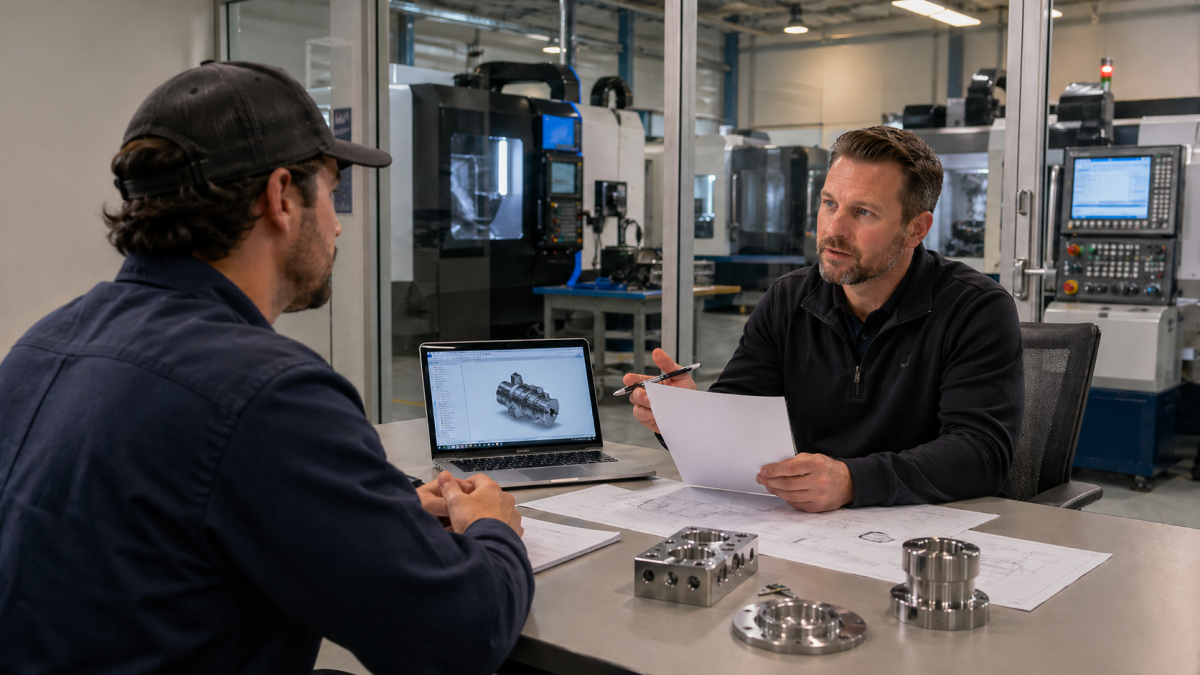
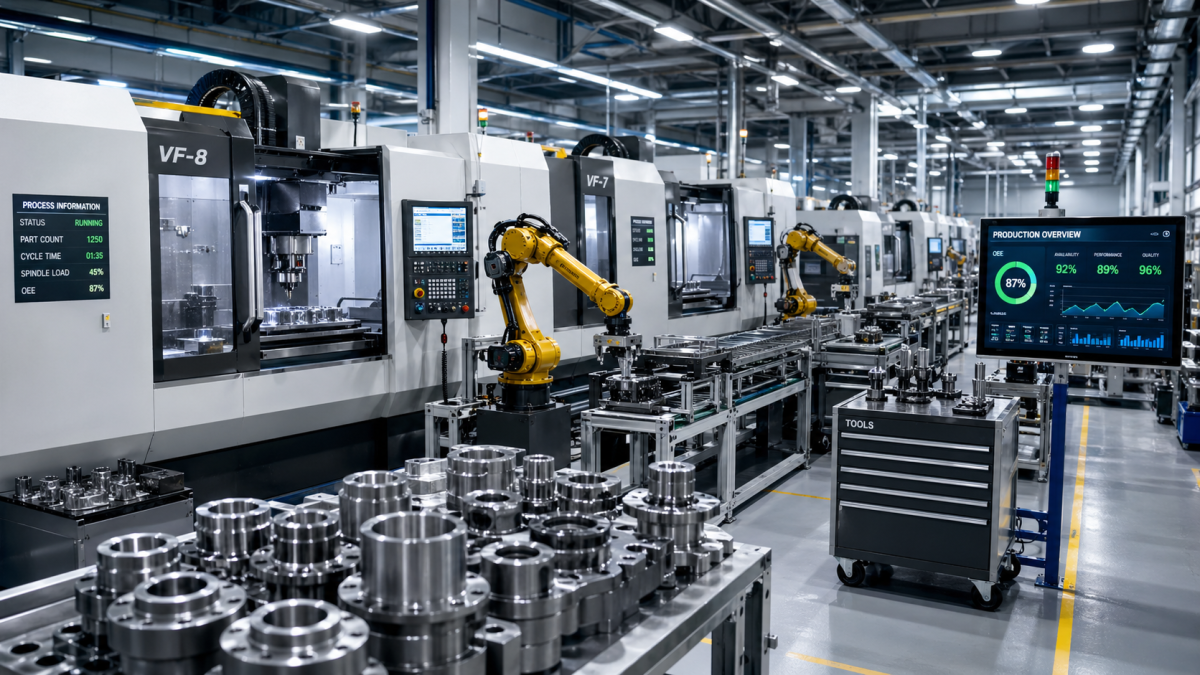
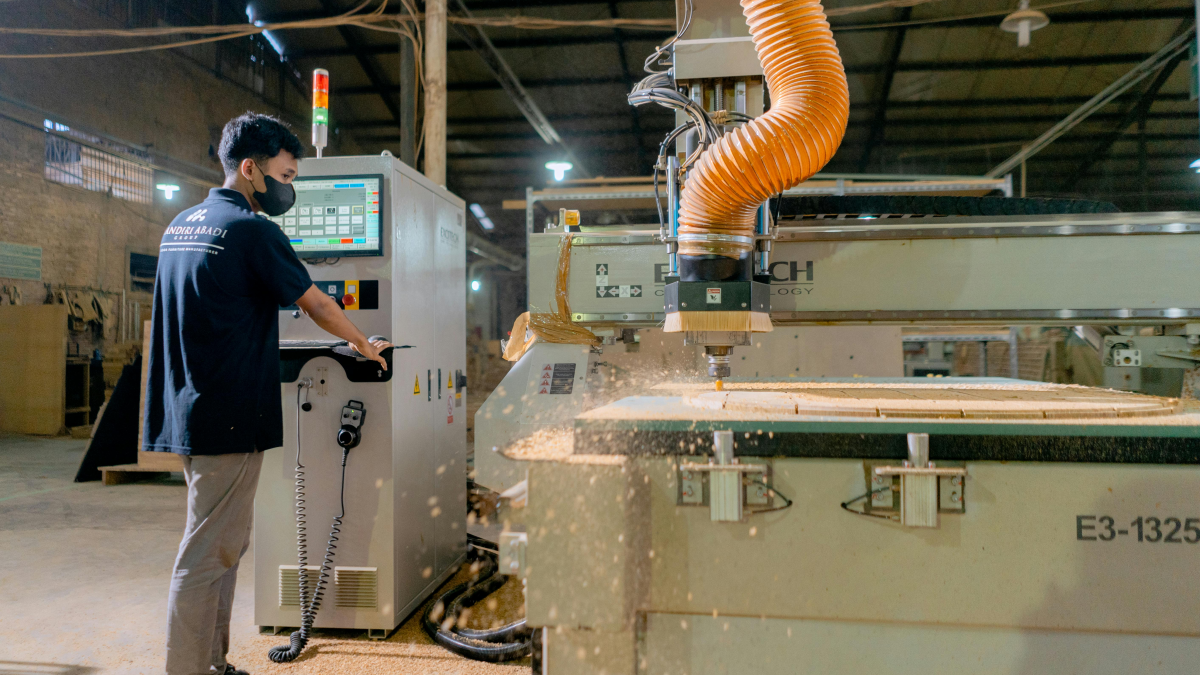
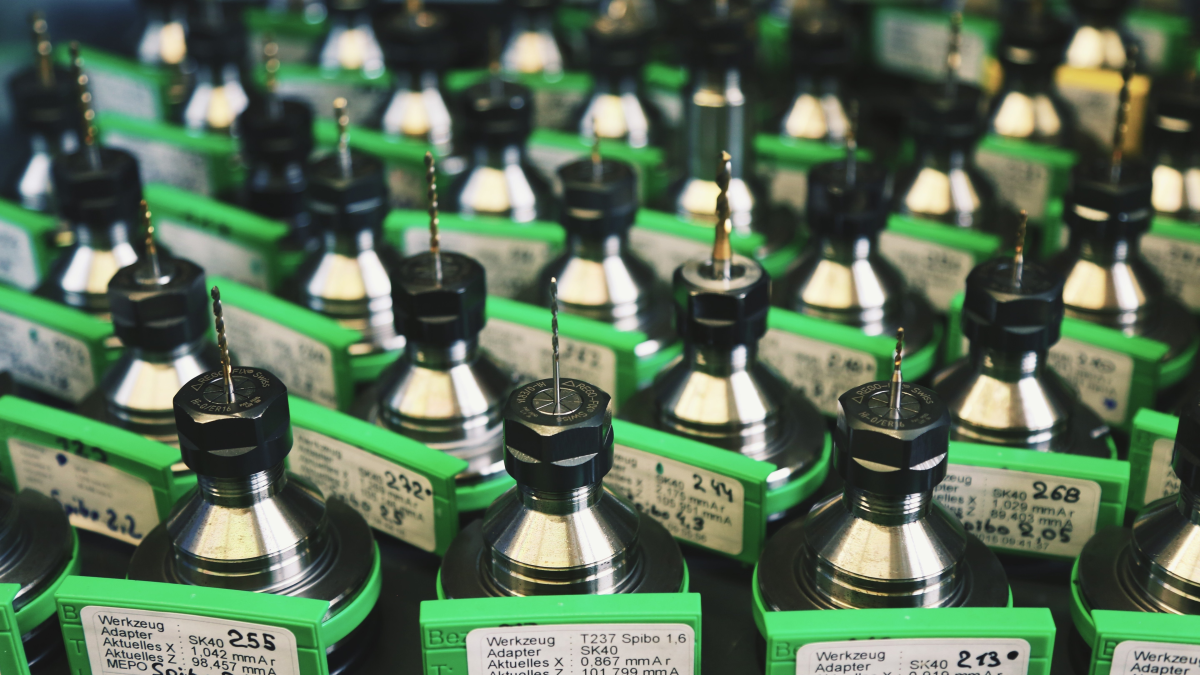
Profiles describe real shop-floor experience: equipment, controls, software, processes, responsibilities, locations, languages and practical background.
CNC Passport connects professional profiles, skill testing, verification signals, candidate discovery, employer visibility and learning tools in one system.
Resumes often hide the details that matter in production: machines, controls, software, processes, materials, responsibilities and real work context. CNC Passport turns this experience into readable professional data that candidates can build over time and hiring teams can evaluate more confidently.
Profiles describe real shop-floor experience: equipment, controls, software, processes, responsibilities, locations, languages and practical background.
Testing, document-based checks and manual review help add stronger evidence to declared experience.
Candidates can build visibility over time, strengthen credibility, learn with CNC tools and move toward verified recognition inside one professional account.
CNC Passport supports the full path from presenting technical experience to evaluating candidates for real production roles. It helps professionals show practical background clearly, while hiring teams get better signals before making decisions.
Build a professional profile around real production experience, show practical skills clearly, take tests, improve visibility and move toward verified recognition.
Find candidates with clearer work history, practical skill signals and more useful context than a generic resume can provide.
Work with a focused environment for comparing technical candidates, understanding regional availability and identifying stronger fit for production roles.
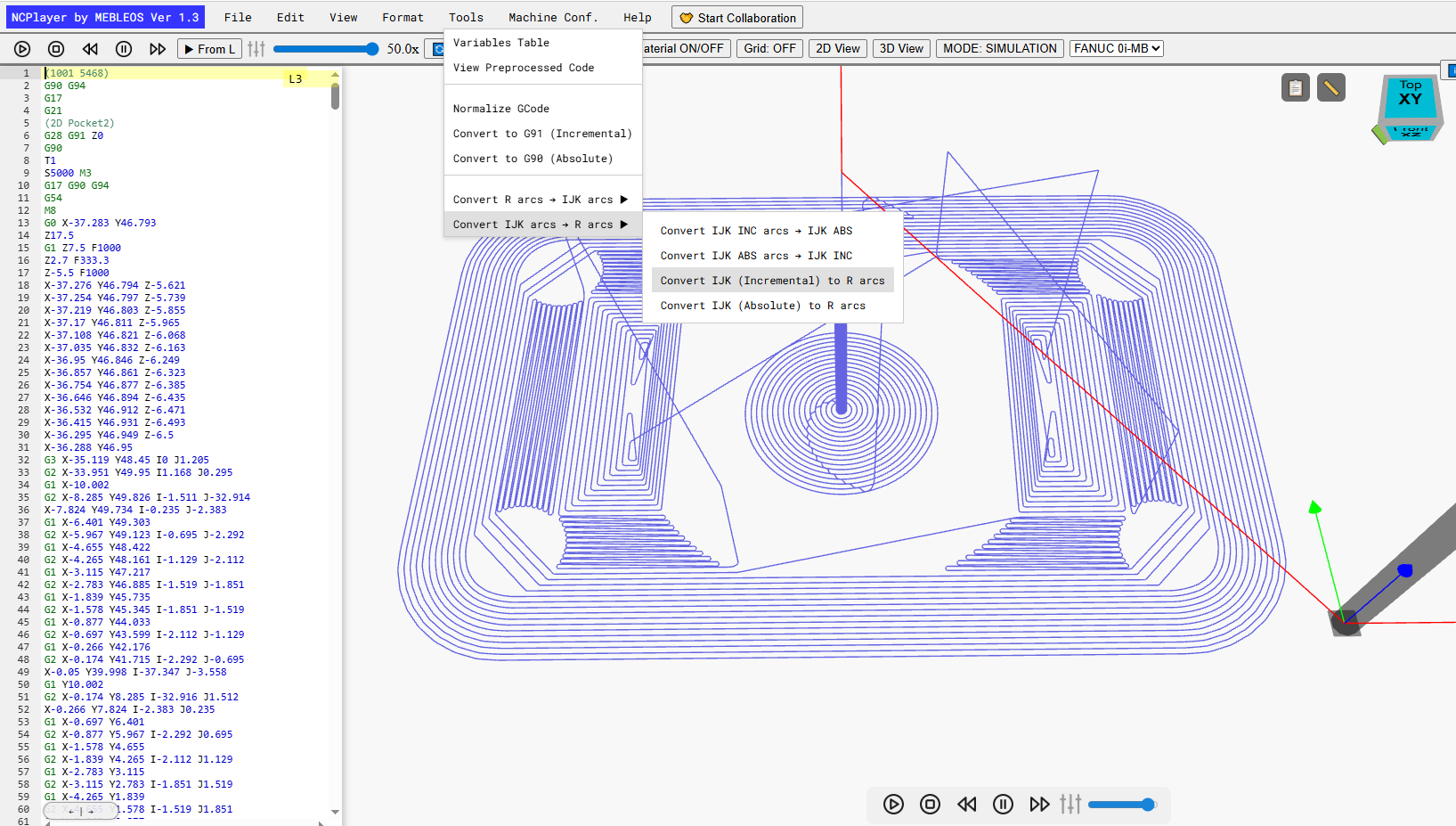
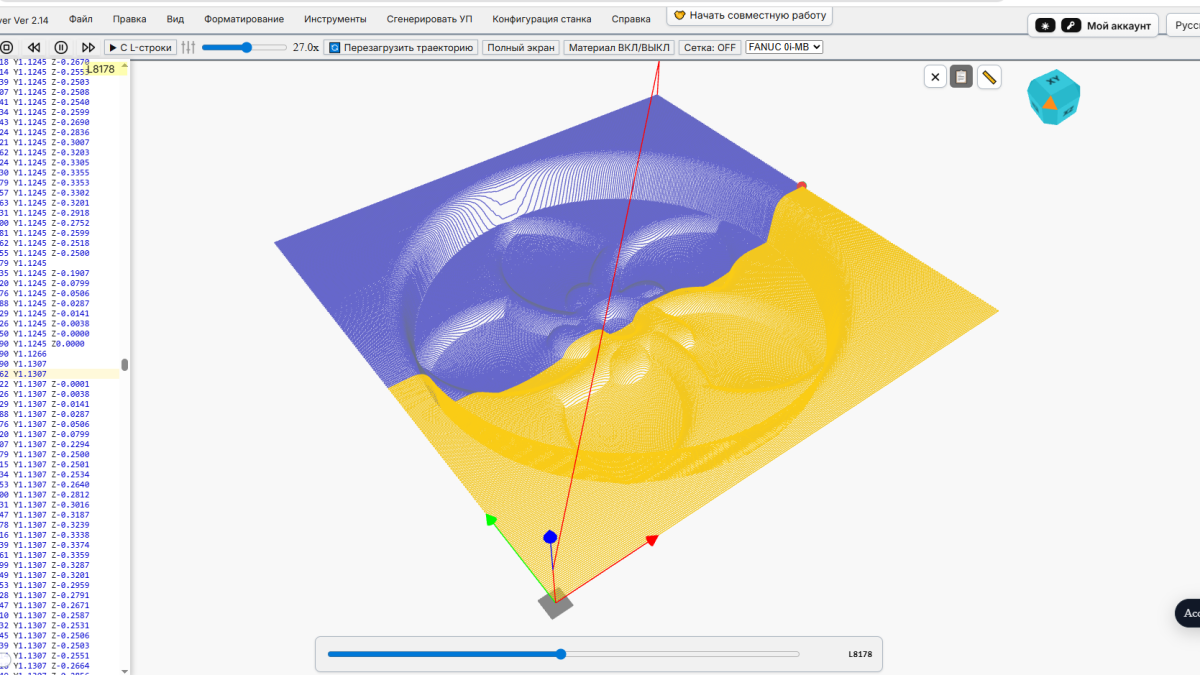
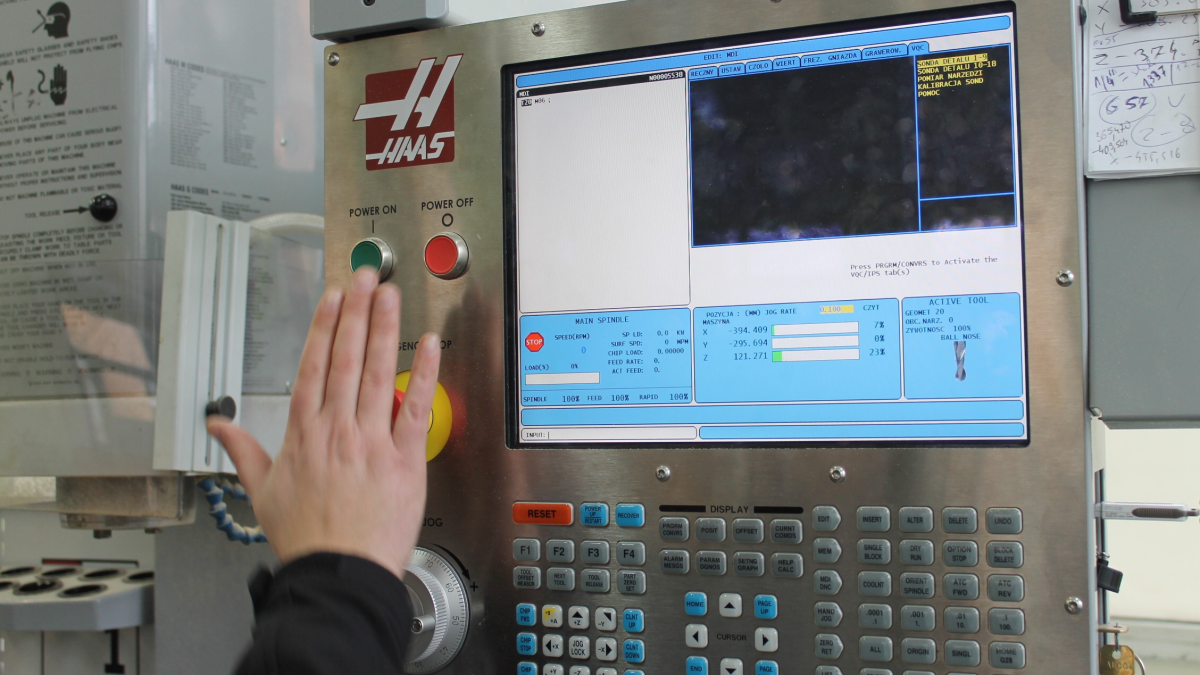
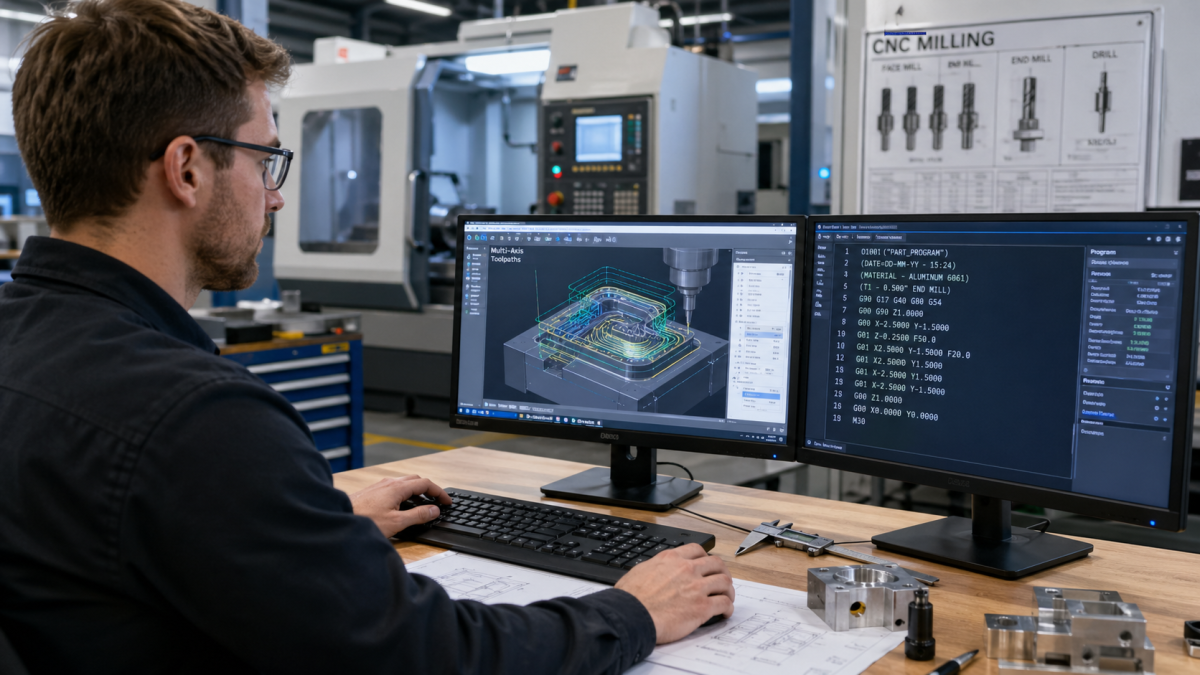
A convenient and precise simulator for learning and testing CNC control programs. NCPlayer supports FANUC, HAAS VF, SYNTEC 6MB and other CNC controllers, with macro programming, subprograms, variables, arcs and a 3D machining model.
The process is different for candidates, employers and recruiting teams. Switch the role to see how profile data, verification signals, search and follow-up connect inside the platform.
Select the CNC Worker (Operator / Programmer / Setter) role and start a professional profile for technical work.
Fill in personal details, language skills, education and work experience to create the base candidate profile.
Add CAD/CAM skills, CNC system skills and personal qualities so they can appear in the verification center and unlock relevant tests.
Open the verification center and take available tests for selected skills. Final manual review is available with Premium.
Appear in profile and map views so employers and recruiters can discover relevant experience.
Keep your profile current, use NCPlayer and learning tools, and continue improving your verified skill signals over time.
Select the Employer role and set up the company workspace.
Describe the production context: locations, CAD/CAM software, CNC equipment and practical job requirements.
Browse candidate profiles and map views to find relevant technical backgrounds.
Review experience, selected skills, verification status and practical profile data before choosing next steps.
Choose a paid action for a selected candidate: direct contact access or independent knowledge verification.
Use interview preparation, communication support, translation help or machine-specific training when needed.
Select the Recruiter / HR / Agency role and open the recruiter workspace.
Add company details, contact person, phone and location so candidates and employers understand who is recruiting.
Set the languages used for recruiting, communication, interviews and candidate coordination.
Manage profile visibility, recruiting locations and vacancies, then browse candidates and review public profile signals.
Choose a paid action for a selected candidate: direct contact access or independent knowledge verification.
Use interview preparation, communication support, translation help or machine-specific training when needed.
CNC, CAD/CAM, robotics, automation and manufacturing updates from monitored industry sources.
Fresh CNC Passport articles about CNC careers, verification, platform updates and practical work with CNC skills.
CNC Passport has launched a beginner-friendly G-code course focused on reading, understanding and safely checking simple CNC...
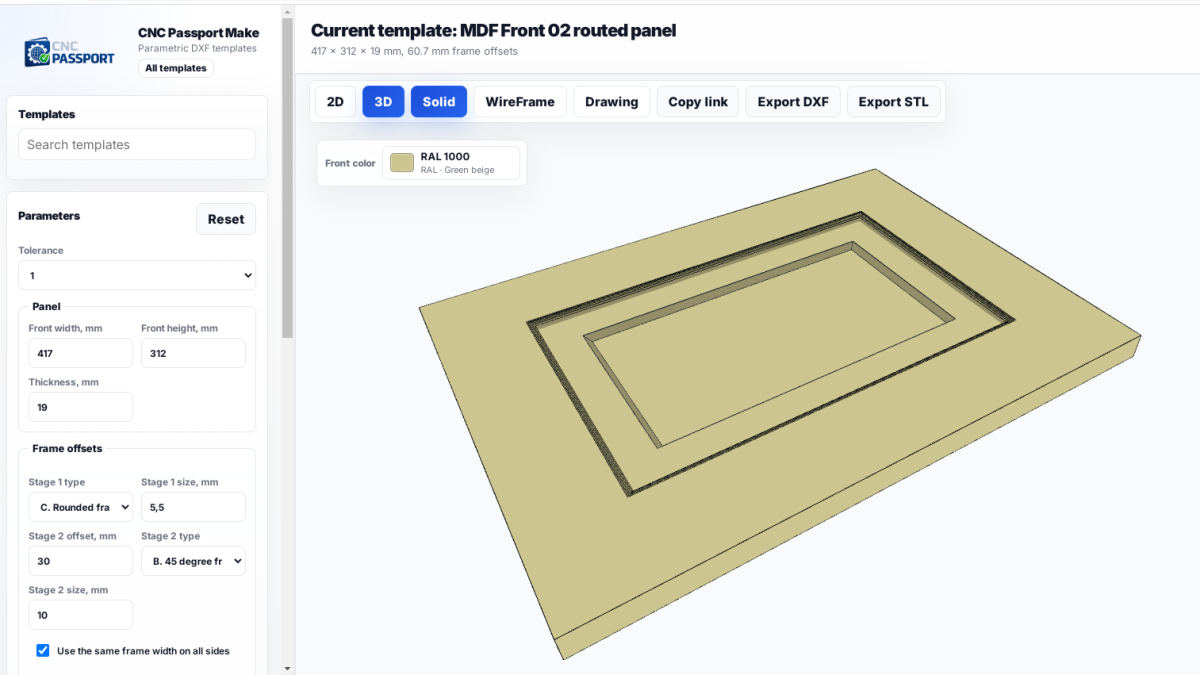
How ready-made MDF front templates speed up design work, reduce mistakes and keep teams from losing time on the same approval...
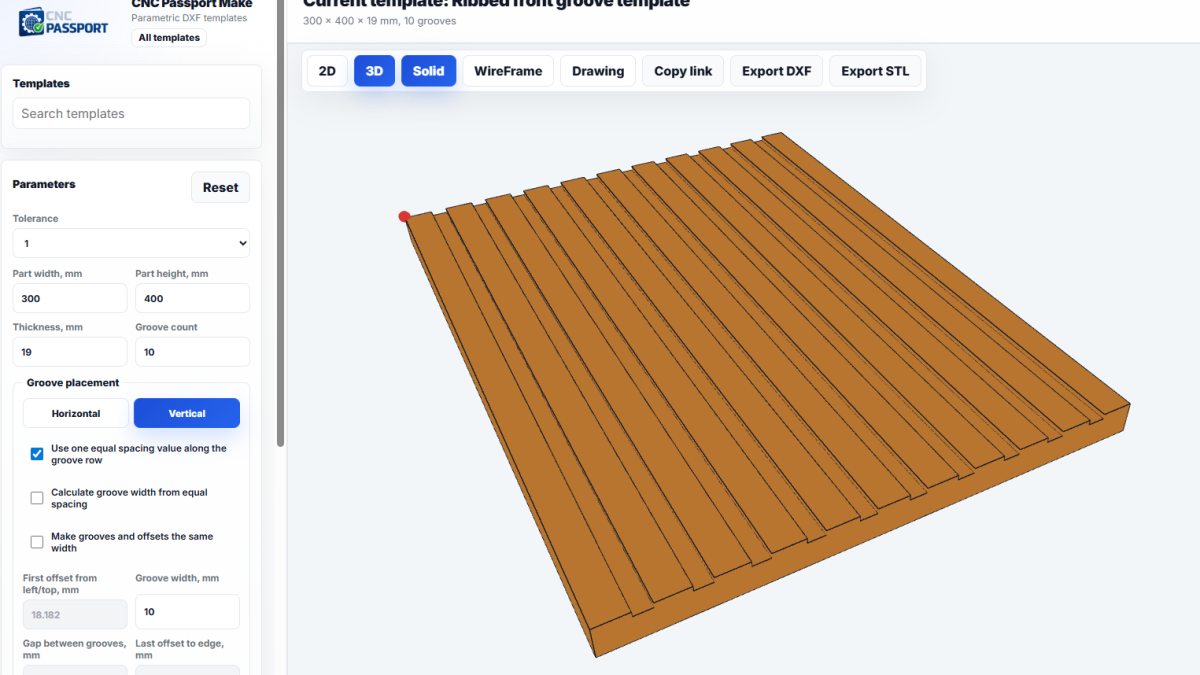
How CNC Passport Make helps teams prepare DXF files for repeatable production parts faster, reduce manual errors, and keep co...
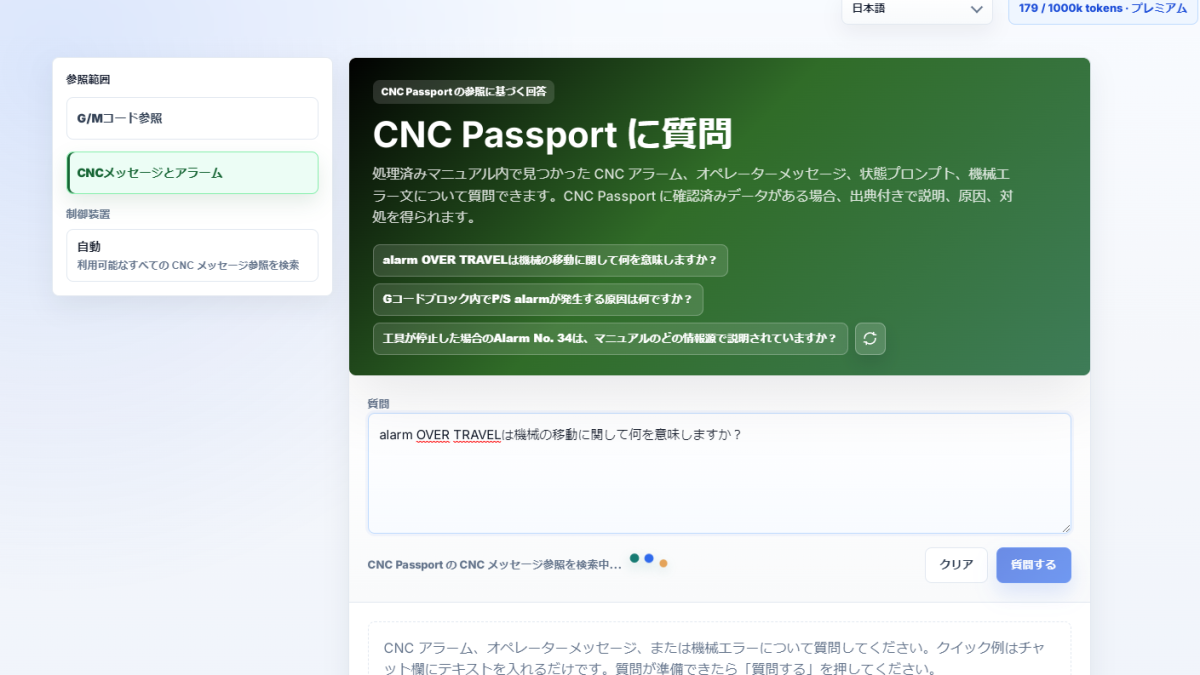
ASK now has a mode for CNC messages, alarms, and machine warnings: it helps separate a status message from an error and choos...
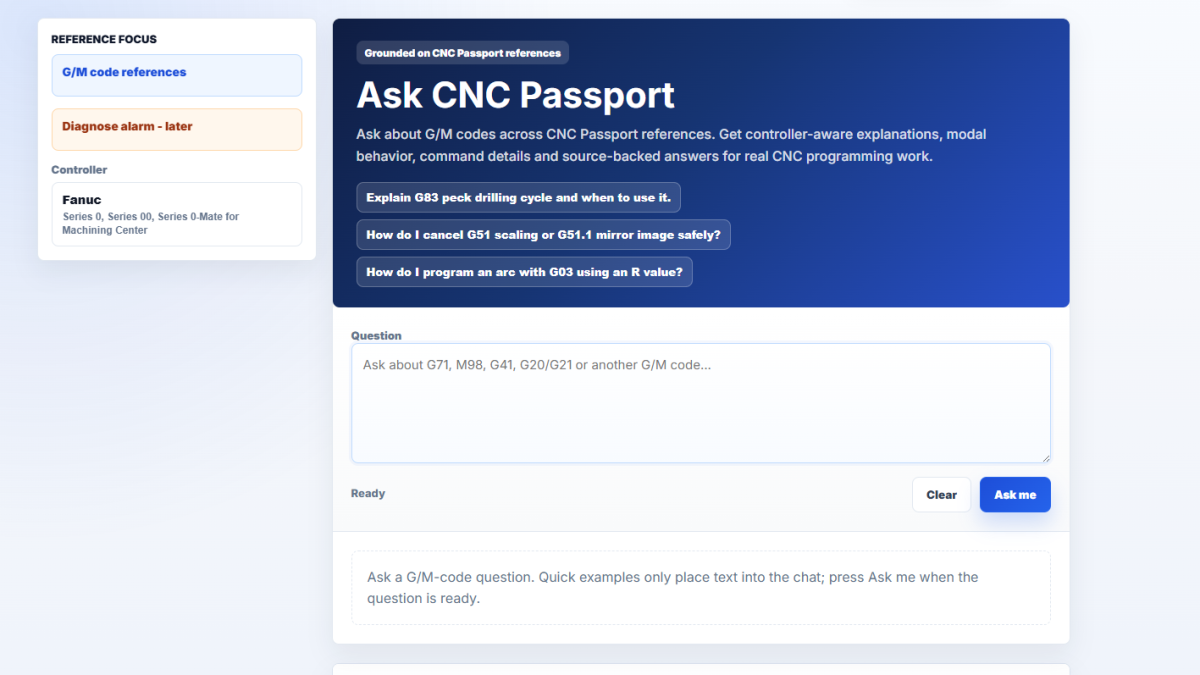
Ask CNC Passport lets users ask G/M-code questions and receive AI answers that are tied to post-processed CNC Passport refere...
Timeline Mode in NCPlayer helps users inspect a CNC program as a time-based sequence of movements, making rapid moves, cuttin...
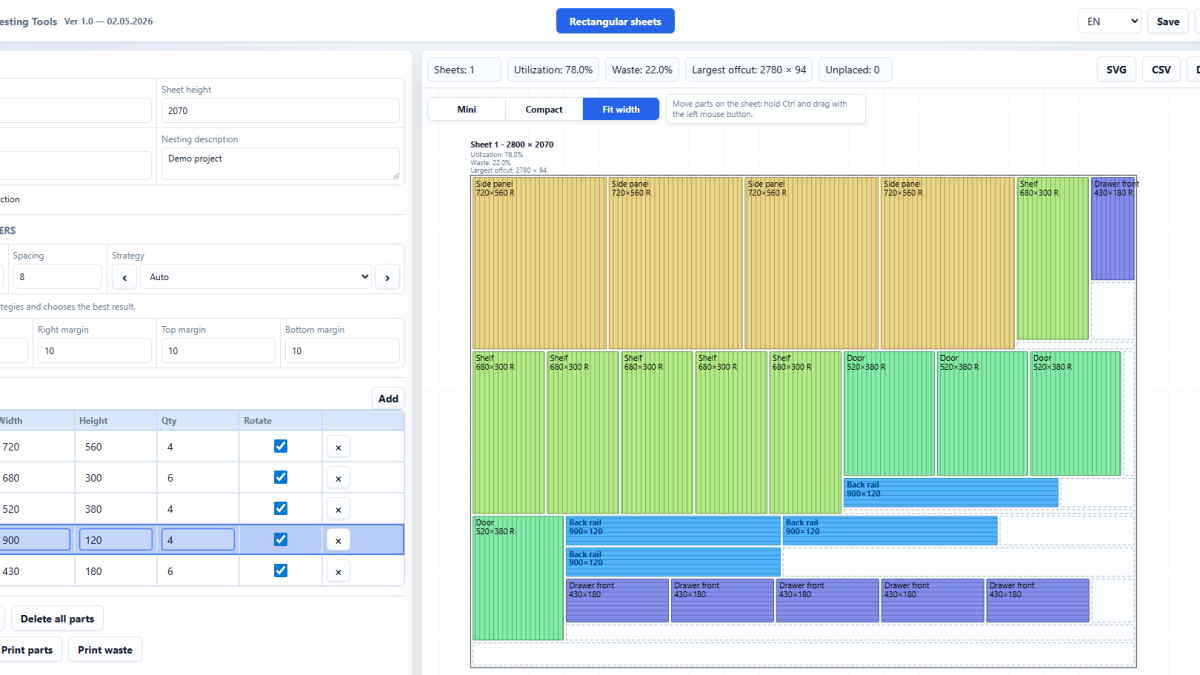
CNC Passport is launching Nesting Tools, a browser-based service for preparing sheet cutting layouts, setting nesting paramet...
A practical approach to teaching CNC operators to read programs, moving from simple cycle start to understanding G-code logic...
Why CNC operator and specialist training should start with skill measurement, and how this reduces wasted hours, support mist...
How CNC operator and CNC programmer skills differ in hiring, which checks should be separated, and why one job description sh...
The gap between resume skills and real shop-floor skills: how employers can evaluate CNC specialists more accurately before t...
Why CNC employers can no longer wait for the perfect candidate, and how to build hiring around skill checks, training, and ma...
Why real setup skill, process control, and independent shop-floor judgment matter more than a polished job title in CNC hirin...
A practical look at how to assess whether a CNC candidate is ready for several machines, automated cells, and stricter produc...
A poor CNC interview often starts before the meeting. If the employer has not clarified machines, tasks, independence, and sh...
When one operator is responsible for several machines, the job changes more than it first appears. It is not just more equipm...
Automation does not make CNC specialists useless. It shows faster who owns the process and who is only standing beside the ma...
In 2026, a CNC career depends less on one narrow machine task and more on understanding the whole process: drawings, measurem...
Not every person with incomplete experience should be rejected. But training someone just to close a vacancy can cost more th...
Sustainable CNC machining is not a slogan. It is the ability to notice everyday losses in coolant control, tool wear, scrap,...
A practical guide for recruiters on screening CNC specialists when you are not a process engineer, setup expert, or shop-floo...
A practical guide for CNC recruiters and employers on comparing candidates from different machine backgrounds without overval...
A practical guide for employers and recruiters on verifying CNC programmer skills before hiring through portfolios, work case...
A practical guide to assessing CNC skills by looking at independence, quality, measurement, process thinking, and learning ab...
A practical guide for CNC recruiters on building a remote screening process, checking real candidate level, and sending only...
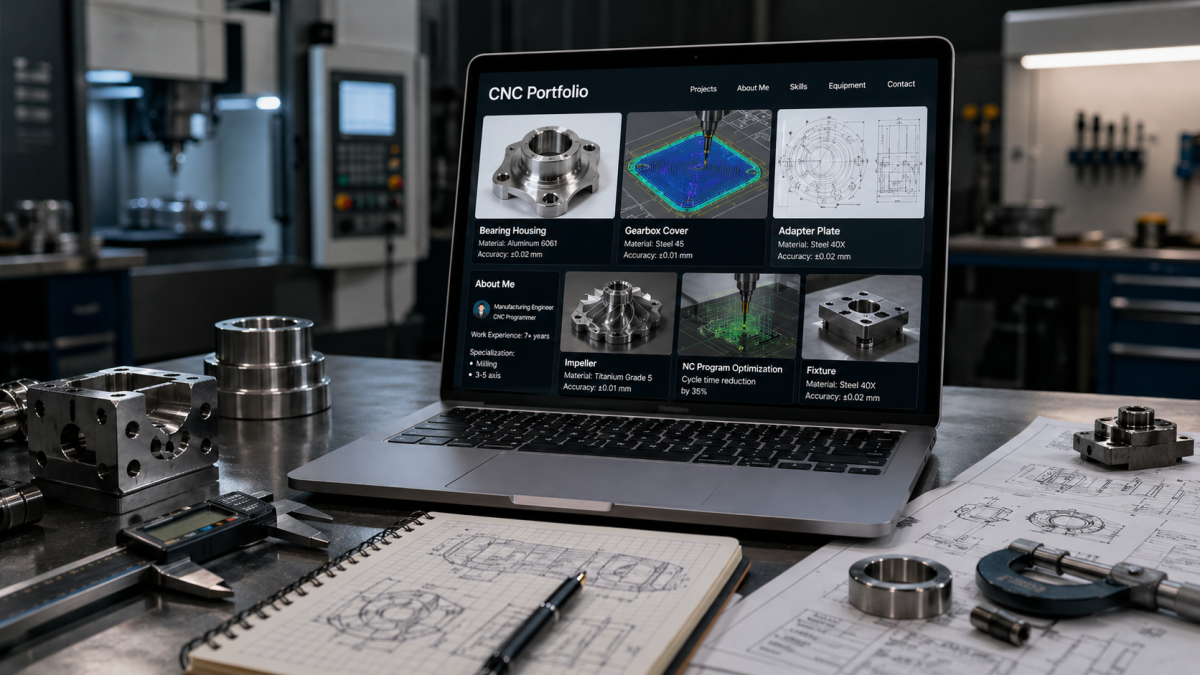
A practical guide for CNC specialists on what proof of skills to include in a portfolio, how to show experience without overs...
A practical look at CNC careers in 2026: who the path fits, which skills create growth, where the risks are, and how to choos...
A practical guide for CNC recruiters on separating candidates who look strong on a resume from people who are ready for real...
A practical guide for CNC recruiters on filling roles during skilled labor shortages, retirements, and the growing importance...
CNC Passport connects CNC profiles, verification, candidate discovery, employer tools and practical CNC learning services in one professional platform.